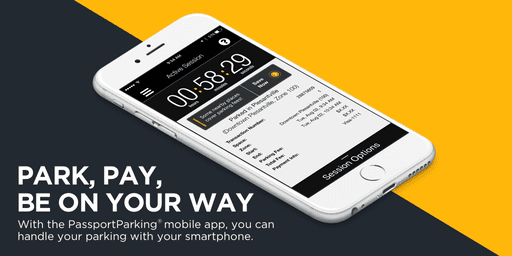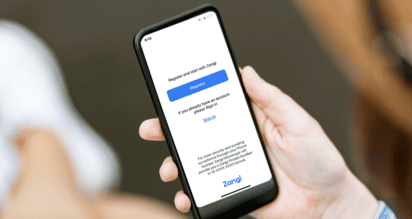
Passport Parking is an app mainly for paying your parking fees, so, knowing the details about its payments is of great importance. Here, let us figure out how to pay by Passport Parking and more.
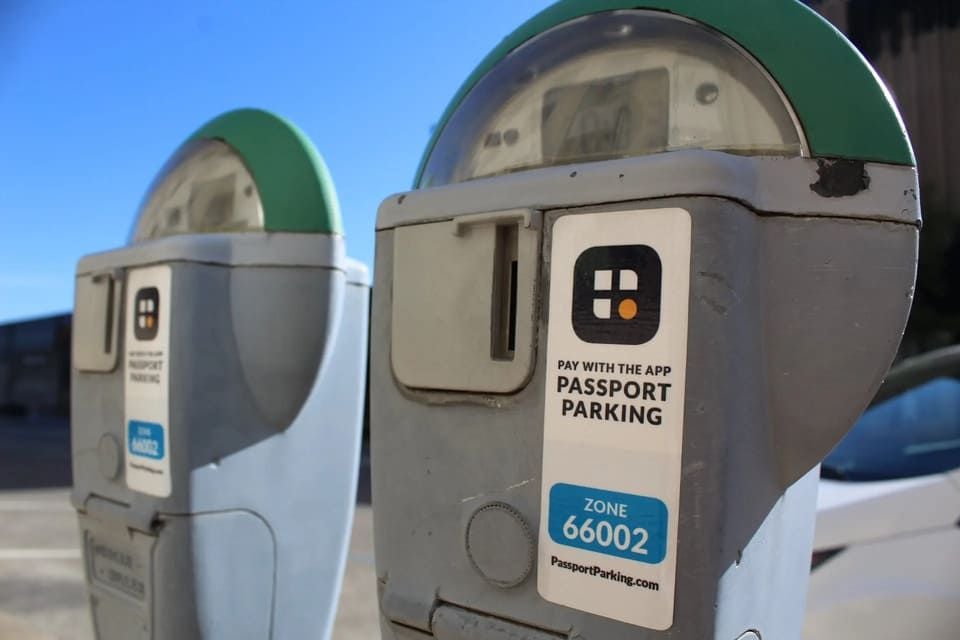
Where do I find the zone number?
The zone number is a unique code that identifies your specific parking location (street, lot, or garage) and is required to start a session; you find it on posted signs or meter decals in the area you're parked in, and entering the wrong one can lead to a ticket.
How am I charged?
The app will debit your selected payment method for the exact amount of parking you purchased plus a small convenience fee (usually about a dime to thirty-five cents or more per session). You will instantly receive an e-receipt by email, and inside the app under "History" monthly statements are available also.
What if I enter the wrong license plate?
Go to the open session, press "Edit Plate," correct characters, then click save. Some municipalities permit plate edits only during initial minutes; if the option is grayed out, cancel the session, start a new one with the proper license plate and e-mail customer support to get a refund for the first purchase.
Do I still need to display a paper receipt?
In most Passport Parking locations enforcement officers electronically check your license plate for payment. Unless specifically stated on a nearby sign (eg, "Receipt Must Be Displayed"), you may store the digital confirmation in your phone and skip paper on the dashboard.
Can I stop a session early and get a refund?
In many cities there is "pro-rated" or "pay as you leave" pricing: when you pull out, slide the "Stop" button and any whole unused increments will be returned to your wallet in less than a day. In certain areas with local rules requiring a fixed minimum, refunds are not possible; the app will give you a warning before you click "confirm."
How do I add a second vehicle?
Go into "Vehicles," click on "Add a Vehicle", entering the license plate and state, giving it a name, for example "My Dad’s Ferrari". You can keep as many cars as you want, but only use one active session per zone at a time.
Will this app work underground or in garages with no signal?
If you're in a situation where you don't have any signals, the transaction info gets into a holding pattern to be uploaded as soon as you regain connectivity above ground.
How do I dispute a ticket if the officer claims I didn't pay?
Inside "History," select the session and tap "Share" to e-mail yourself a time-stamped PDF of it. Get that evidence, along with any shots taken of the zone sticker, into the city's parking appeals office by its deadline. Passport Parking's support team will be able to confirm your log on the back-end.
Can I use Passport Parking when I travel to another city?
Of course. Your account is global; just swap out the zone number for wherever you are. Rates, time limits and local rules are all updated automatically via GPS.
What if I get a new phone number?
Sign in with your old number, go to "Profile", "Phone," input the new number, input the SMS code, set as primary. All your history, wallet balance, and saved license plates transfer seamlessly.
How do corporate or fleet accounts work?
As for how to operate a corporate registration, organizations can open a Passport Parking Business portal, load funds in bulk, assign role-based access of driving behavior and download itemized dirigible GPS logs for each driver.
Generally speaking, Passport Parking paying methods are quite easy and convenient, through the details above, you can quickly learn how to pay by Passport Parking.